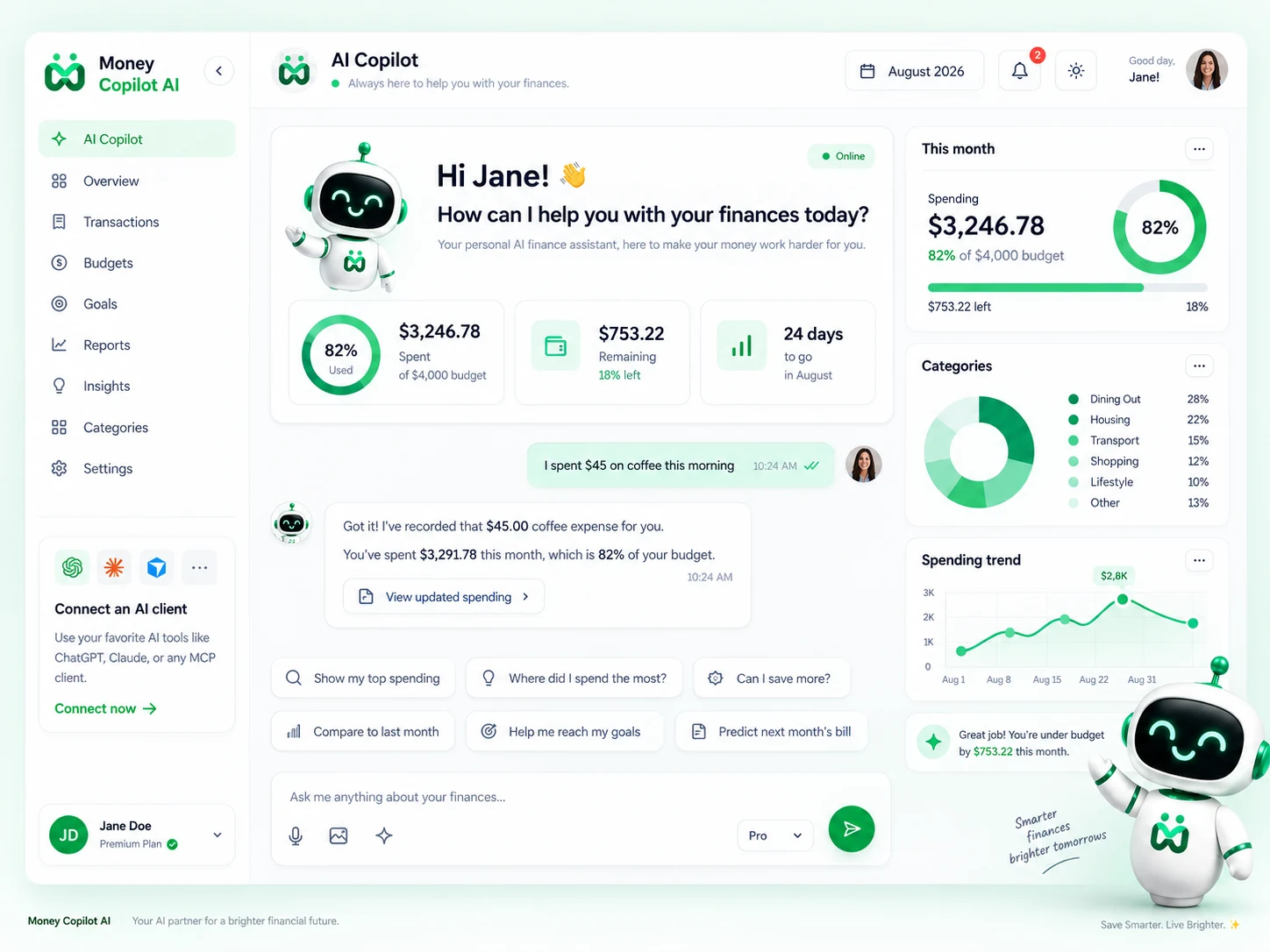
Your AI-powered personal finance assistant that tracks spending through simple conversations.
Trusted by 2,000+ users worldwide
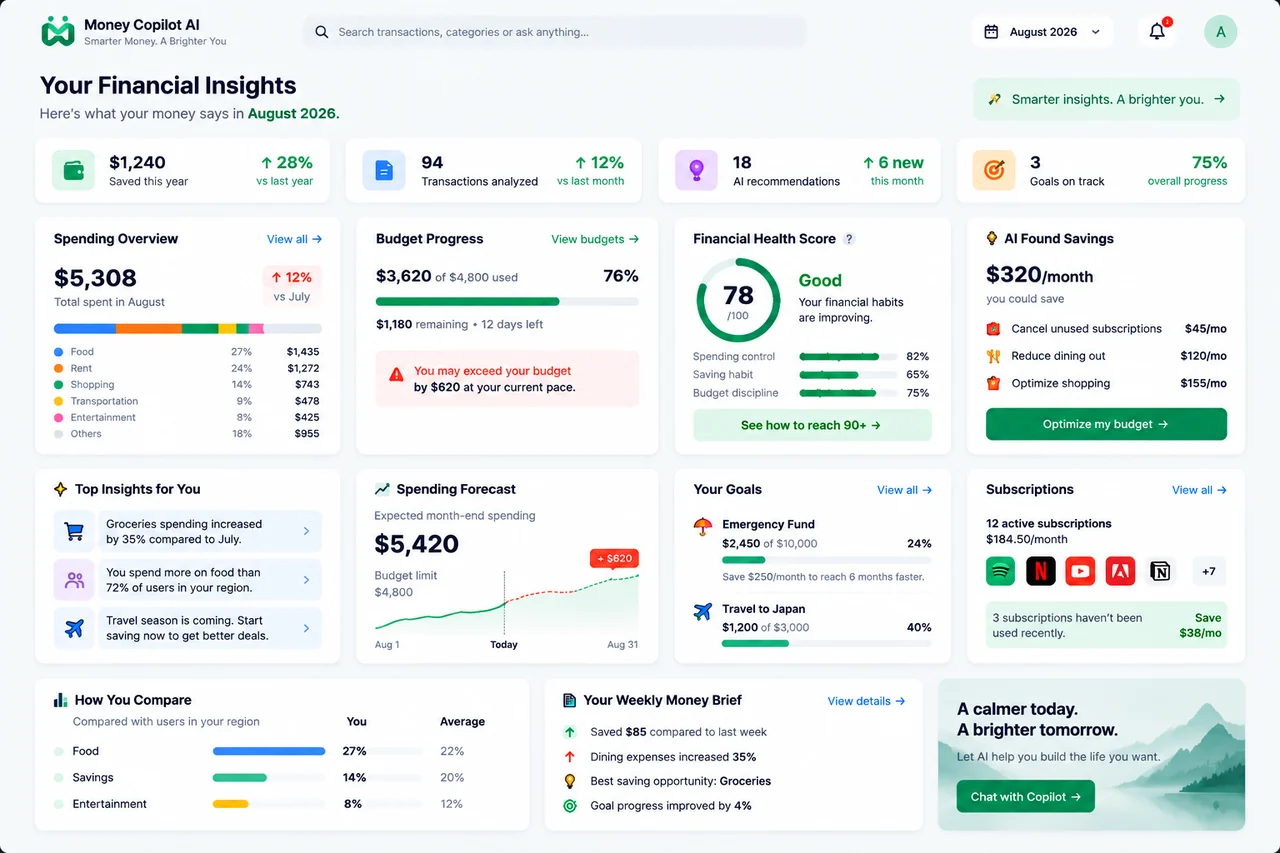
You spent 18% less on dining out compared to last month.
View details →Add Money Copilot AI in a few taps and start managing your expenses right inside your chat.
Open the ChatGPT app and
tap Plugins from the sidebar.
Search for Money Copilot AI
and tap Install.
Money Copilot AITrack expenses, scan receipts, get insights and reports.★ 4.9
Install
Sign in with Google or GitHub
and authorize the connection.
Mention @Money Copilot AI in chat
and start managing your expenses.
Money Copilot AIPowerful AI features that make expense tracking effortless, accurate, and insightful.
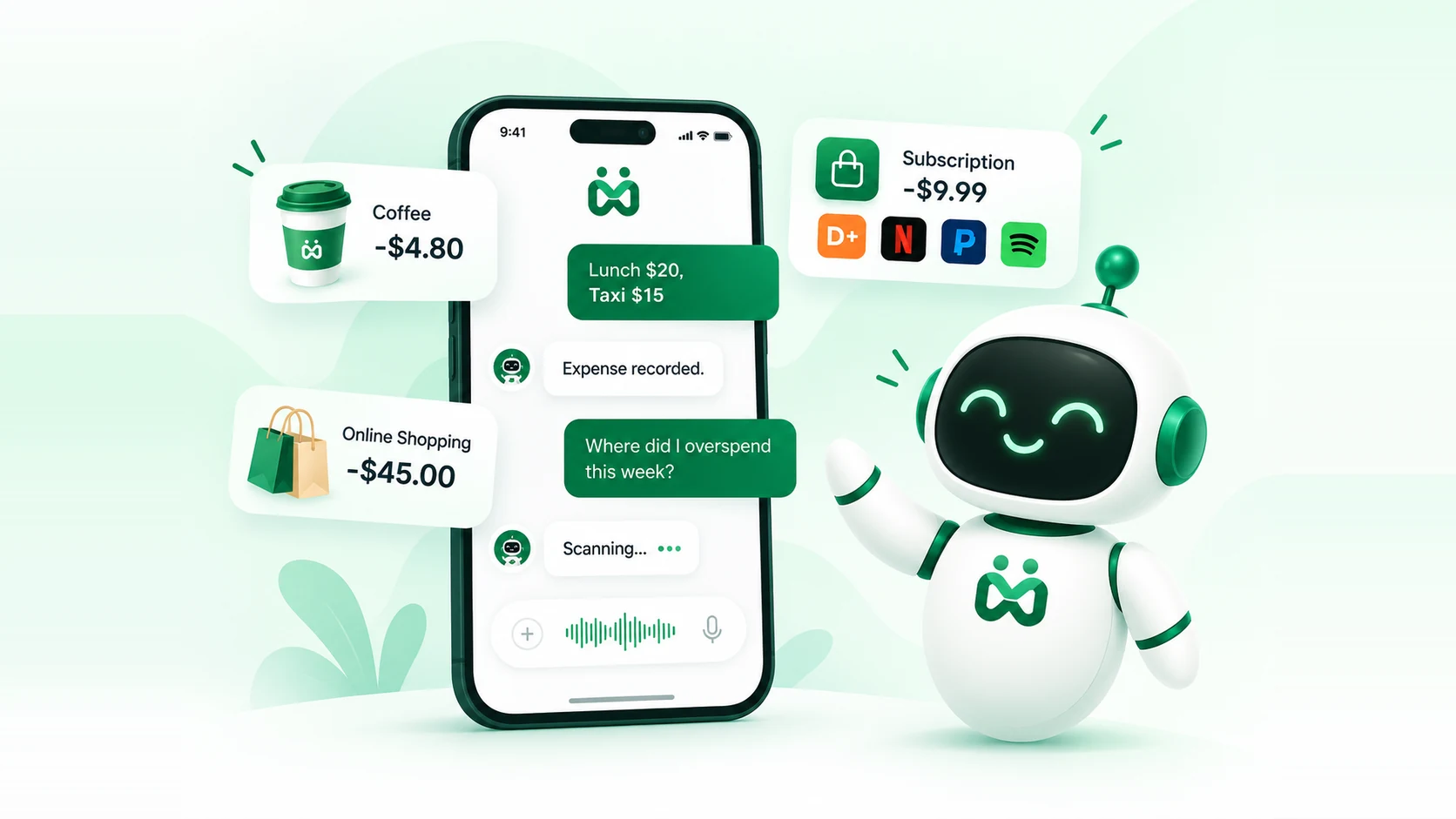
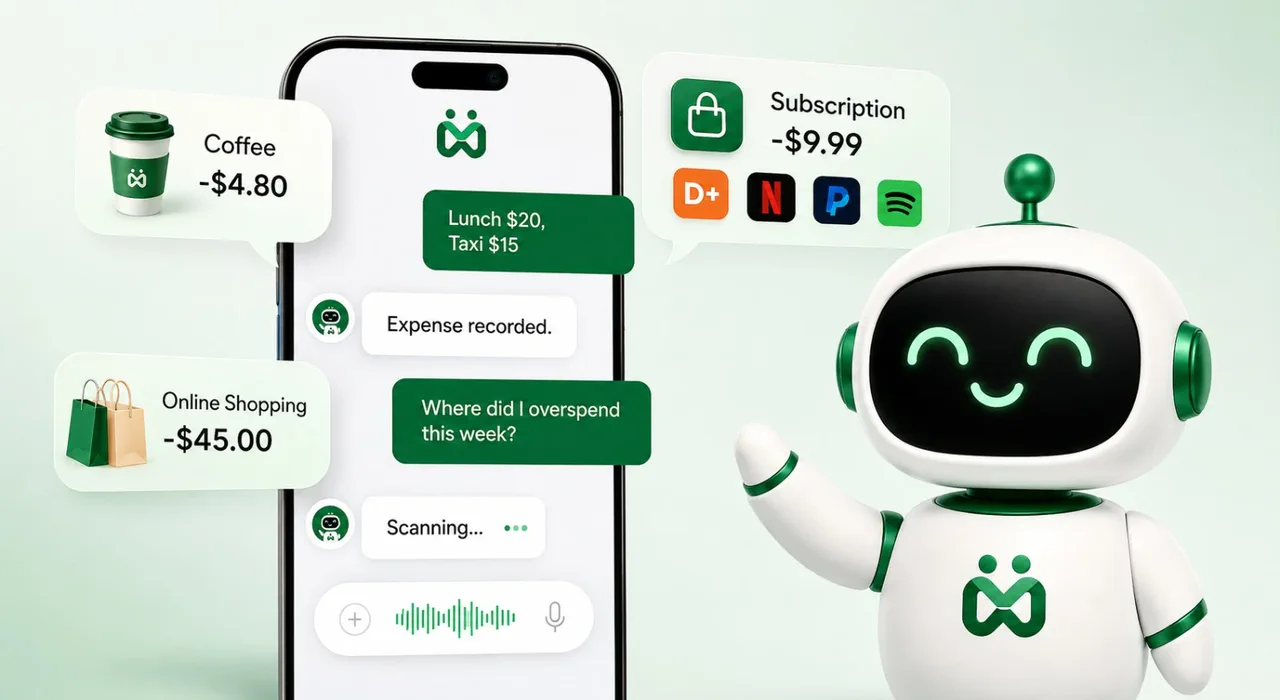
Just describe what you spent. No forms, no fields, no dropdowns — the AI structures it correctly every time.
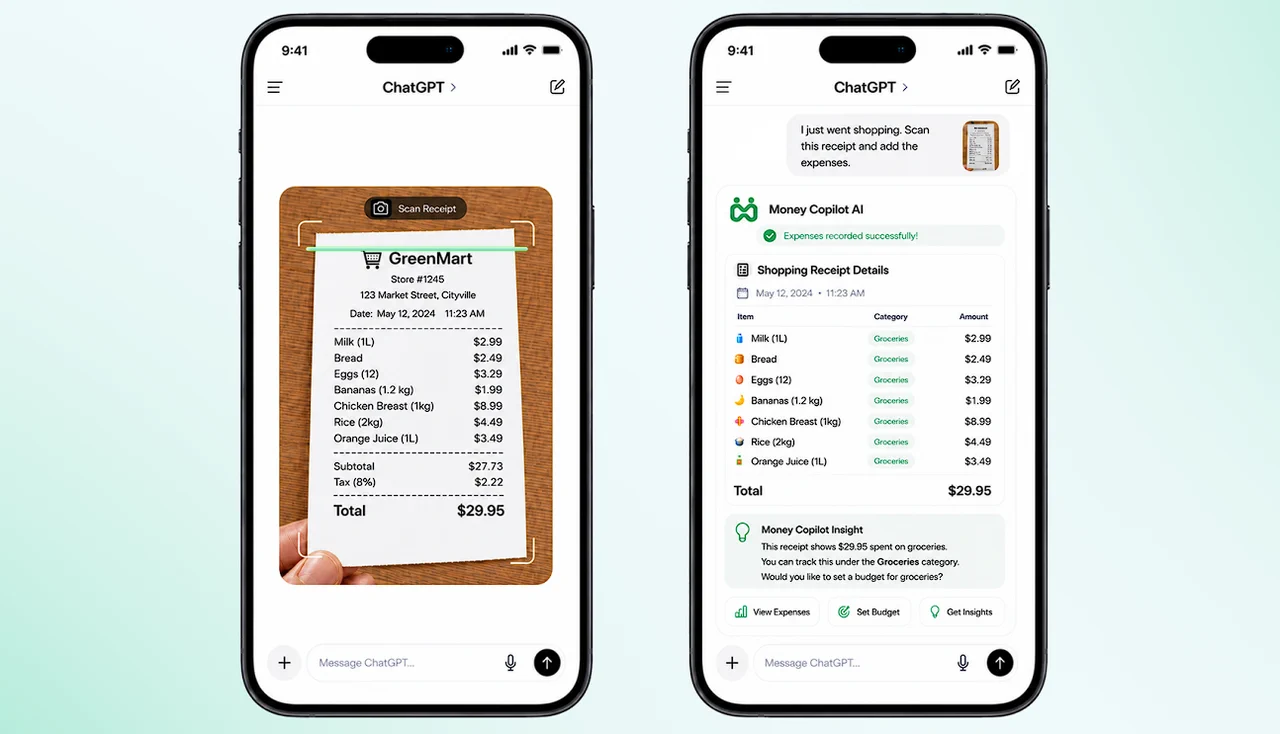
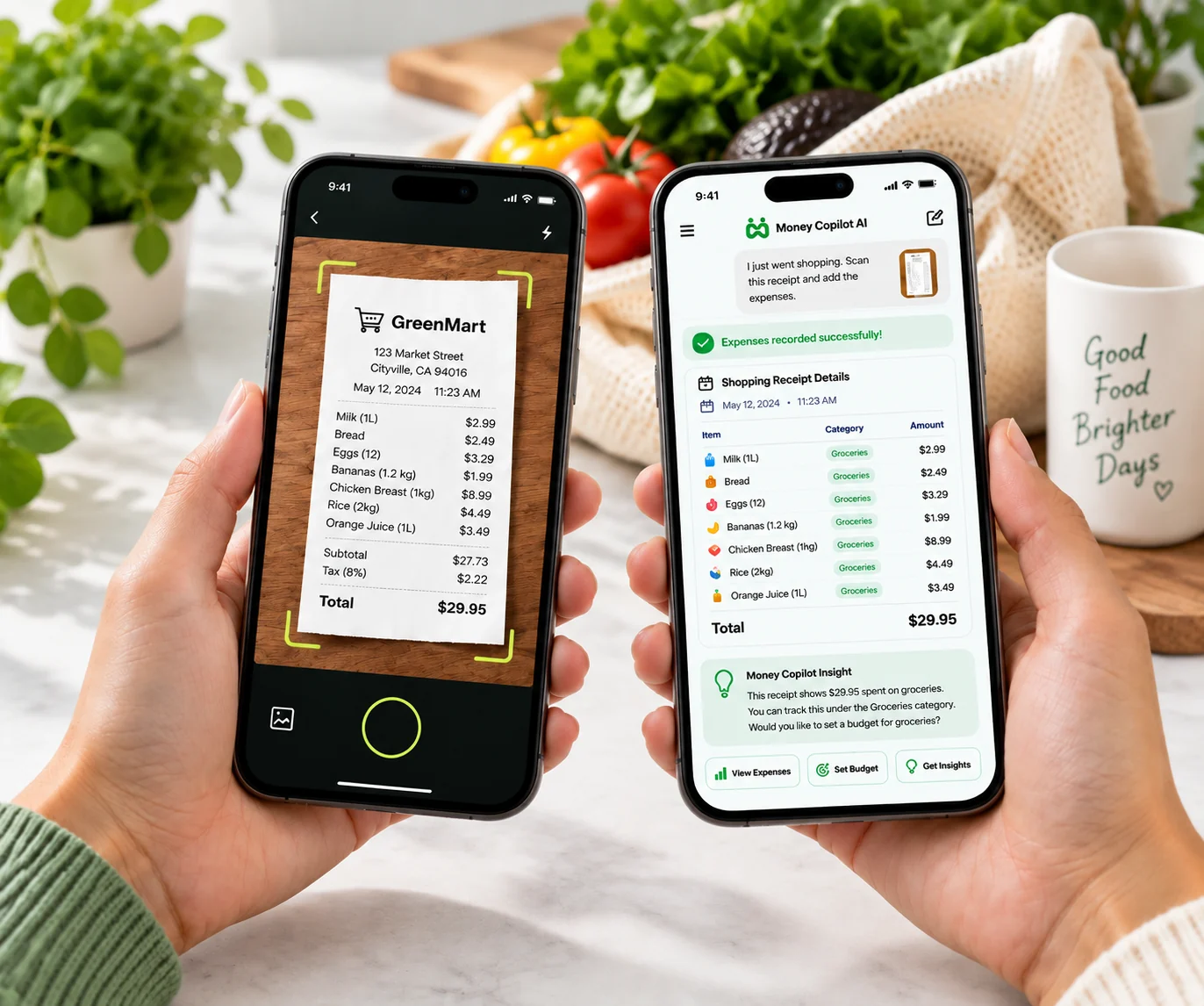
Drop in a receipt image. The AI extracts the vendor, total, and date and logs it — no manual entry.
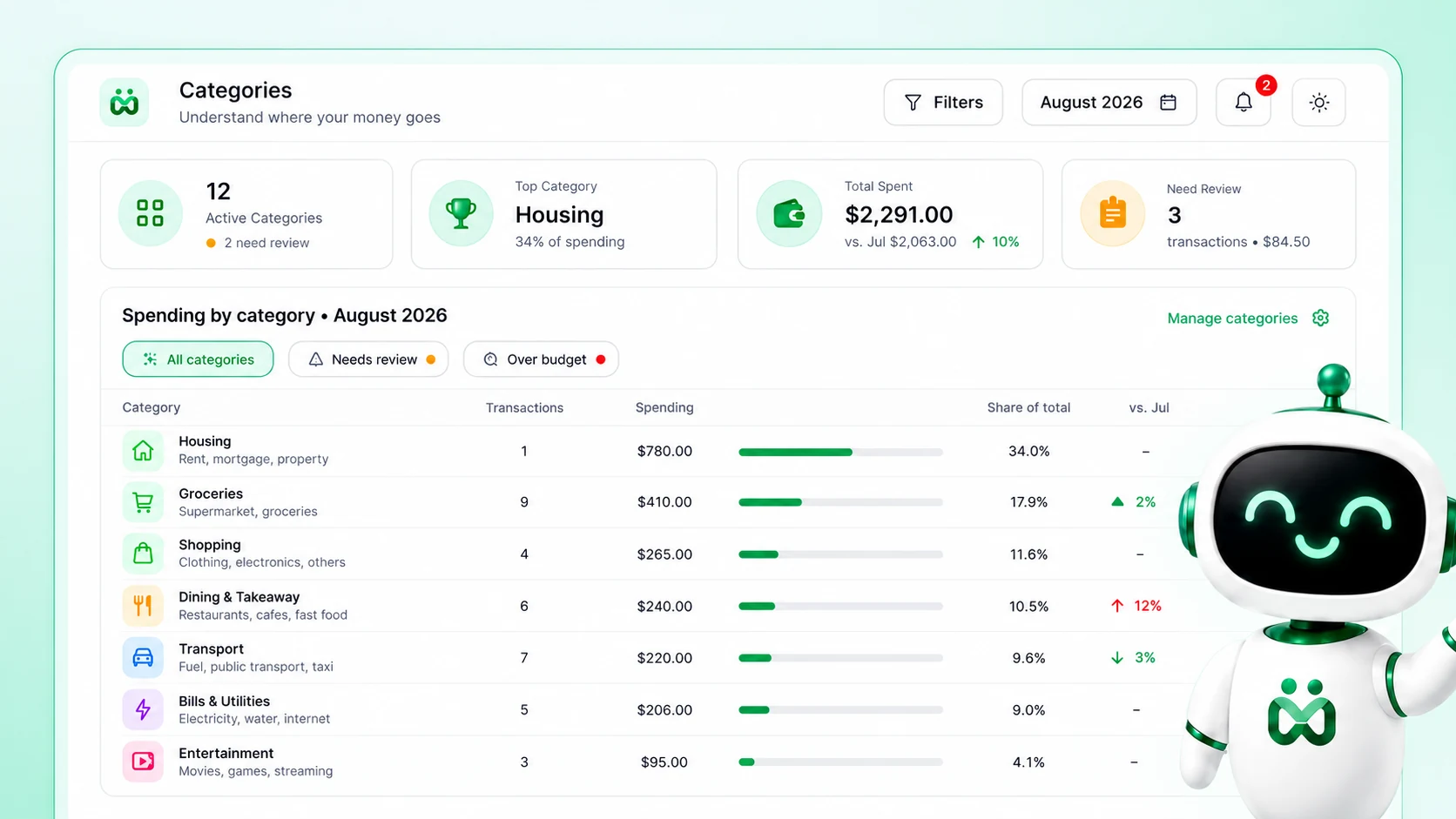
Spending grouped by category or month, with totals and trends — generated on demand, right in the conversation.
Find any past expense by keyword, category, or date range — “show every coffee in July” just works.
Never connects to your bank or cards. You log what you choose — your financial accounts stay untouched.
One server, every assistant. Claude, ChatGPT, Gemini, Cursor, or anything that speaks the Model Context Protocol.
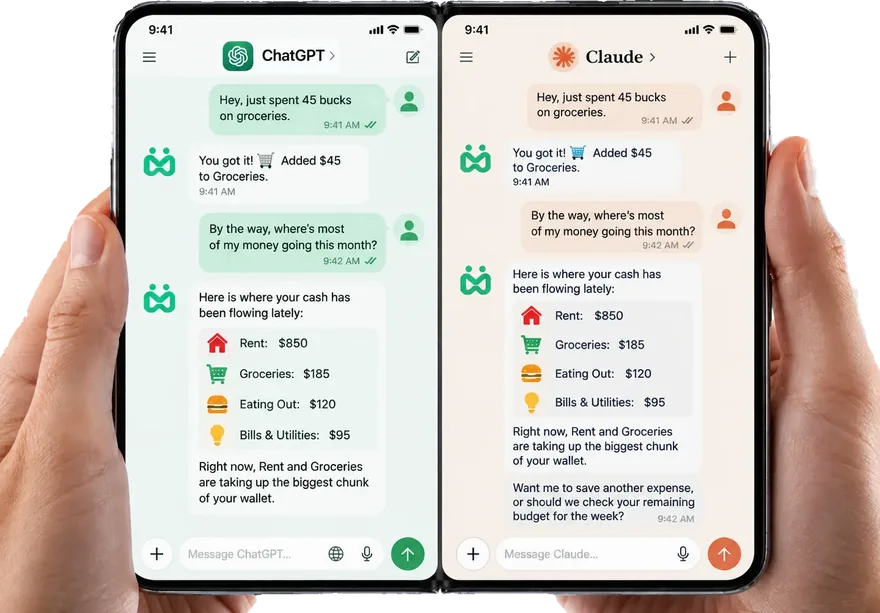
Log an expense in plain language, then ask for the breakdown — all without leaving the chat.
“spent $45 on groceries” — no forms, no fields, no dropdowns.
Amount, category and date are parsed and saved instantly.
Totals by category, budget status and trends, on demand.
MoneyCopilot AI
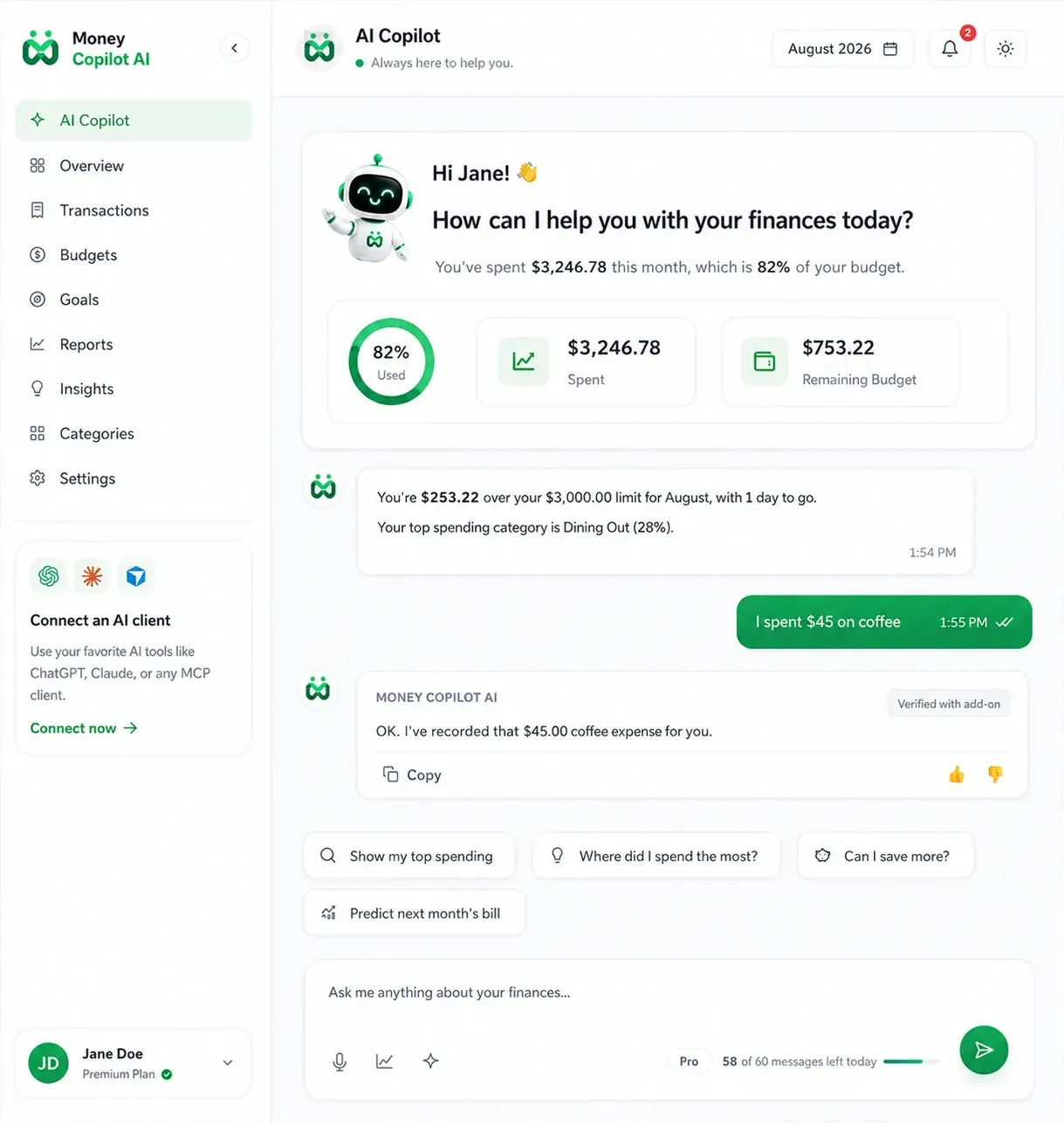
Real screens — natural-language logging, receipt scanning, budgets, and instant reports, rendered inside the assistants you already use.
Yes. Each subscriber's data is isolated automatically, stored on the server you connect to — never shared across users. Because there's no bank linking, the only data recorded is what you explicitly choose to log. Amounts are stored as exact integer values, not sold or used for anything but your own reports.
No — never. Money Copilot AI has no connection to banks, cards, or financial institutions. You log expenses by typing or by uploading a receipt. Your accounts stay completely untouched, which also means nothing to breach.
Any client that speaks the Model Context Protocol — including Claude (desktop, mobile, and web), ChatGPT, Gemini, Cursor, VS Code, and more. One server works across all of them; your expense history stays consistent no matter which assistant you're using.
There's nothing to install locally. Add the server to your AI client with a single connection link (the "Add to Claude" button, or your client's MCP settings), and start logging expenses in your next message. No config files, no servers to run yourself.
The receipt reading is done by your AI assistant's vision capability, which extracts the amount, vendor, and date, then calls the server with those structured details. The server stores and organizes your expenses — the host model handles the image understanding.
Free to start. No credit card required.